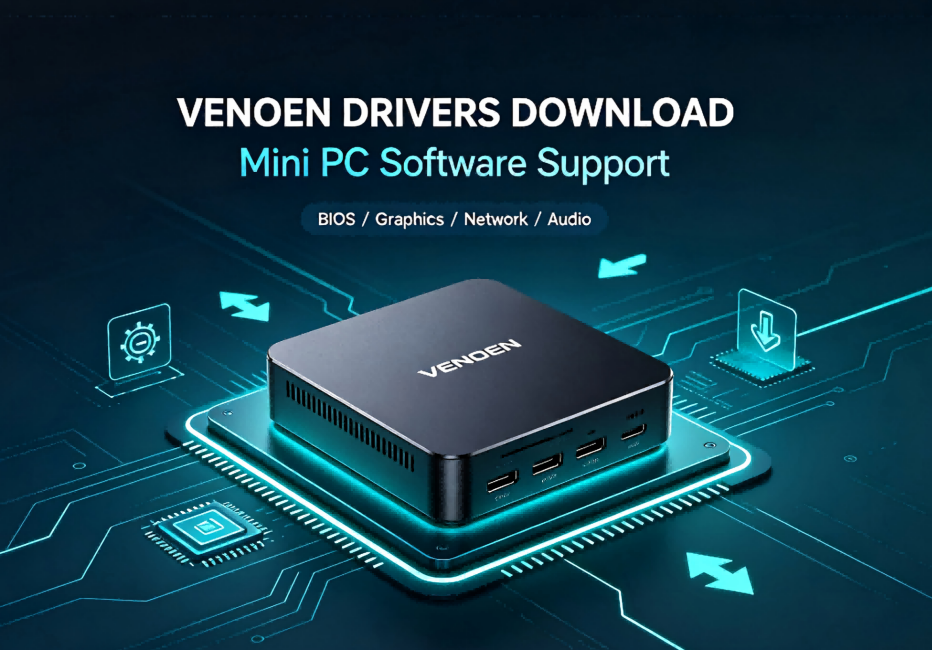
H3-J4125 Computer Driver Program
H3-J4125 Computer Driver Program
Click the link above to download all files within the link. (No registration required)
1. Page Header & Introduction
Welcome to our Mini PC Driver Download Center. Here you can find the latest official drivers for all our mini PC models, including graphics cards, sound cards, network adapters, Bluetooth, chipset, and USB drivers. All drivers are original, safe, and fully compatible with Windows and Linux systems. We regularly update driver files to fix bugs, optimize device performance, and improve system stability for your mini PC.
If you encounter system compatibility issues, hardware connection failures, or function abnormal problems after using our mini PC, please download and install the corresponding driver to ensure your device runs in the best condition.
2. Driver Installation Guide
Step 1: Download the Correct Driver
Confirm your mini PC specific model and operating system version (Windows 10/11, Linux, etc.), then select and download the matching driver package to avoid incompatible issues.
Step 2: Uninstall Old/Conflict Drivers (Optional)
If your system has outdated or conflicting drivers, please uninstall them first via Device Manager, then restart your computer to clean up residual files.
Step 3: Install the New Driver
Extract the downloaded compressed package, double-click the installation program, and follow the system prompts to complete the installation. Please do not close the program or shut down the device during installation.
Step 4: Restart Your Mini PC
After the installation is finished, restart your mini PC to make sure all driver configurations take effect and work normally.
3. Professional Technical Support Service
Free Remote Technical Support
We provide one-stop free remote technical support for all customers. If you fail to install drivers, encounter installation errors, or face device function faults after driver updating, our professional technical team can assist you via remote operation to solve all driver and system problems efficiently.
Customized Driver Matching Service
If you cannot find the corresponding driver for your mini PC model, or you need special version drivers for industrial use, commercial office, and customized scenarios, please contact our support team. We will provide you with exclusive driver matching and customized technical solutions.
Long-term Driver Update Service
We continuously optimize and upgrade mini PC drivers. All purchased devices enjoy lifelong free driver update services, helping you keep your mini PC in the most stable and efficient operating state for a long time.
4. Frequently Asked Questions (FAQ)
Q1: Why does the driver installation fail?
A1: The failure is usually caused by mismatched model/system version, incomplete old driver residual files, or system permission restrictions. You can restart the device, clean up residual files, and re-download the correct driver. If the problem persists, contact our technical support for remote assistance.
Q2: Do I need to update the driver regularly?
A2: We recommend updating the driver properly. The latest drivers can optimize hardware operating efficiency, fix known system bugs, improve network stability, audio and video display effects, and enhance the overall performance of the mini PC.
Q3: Are the downloaded drivers safe?
A3: All drivers provided on our official website are original official versions, which have passed strict security detection, no virus, no plug-in, and will not cause any security risks to your device and data.
Q4: Is the driver applicable to modified systems?
A4: Our official drivers are adapted to original official Windows and Linux systems. For modified, cracked or ghost systems, there may be compatibility problems. We suggest using the official standard system.
5. After-sales & Contact Tips
Working Time Support
Our technical support team provides 7/24 online consulting services. You can send us emails or leave messages anytime, and we will reply and solve your problems within the shortest time.
Device Warranty Reminder
Standard driver installation and update operations will not affect the official warranty of the mini PC. Please feel free to download and use official matching drivers.
Prohibition of Unauthorized Modification
To avoid device damage and system failure, please do not download and install unofficial drivers or modify driver files without authorization. All abnormal problems caused by unofficial operations are not covered by free technical support.
6. Bottom Copyright & Official Statement
All drivers on this page are exclusive official resources of Venoen Technology Co., Ltd., specially adapted for our brand mini PC series products. Unauthorized theft, reprinting and commercial use are prohibited. For more product parameters, user manuals and technical documents, please check other columns of our official website.
Release time: 2026-09-03
H3-J6412 Computer Driver Program