
What if the Realtek RTL8821CE WIFI module is not recognized under the Ubuntu system?
How to Fix Realtek RTL8821CE WIFI Module not Recognized in Ubuntu?
Overview: This article provides a solution to the problem of the Realtek RTL8821CE wireless network card not being recognized on a mini computer running Ubuntu. Most Linux operating systems, including Ubuntu, do not include the Realtek RTL8821CE driver in their system libraries, which means that WIFI cannot be used in the operating system. To use WIFI to connect to the internet, the driver must be manually installed. Below are the installation instructions:
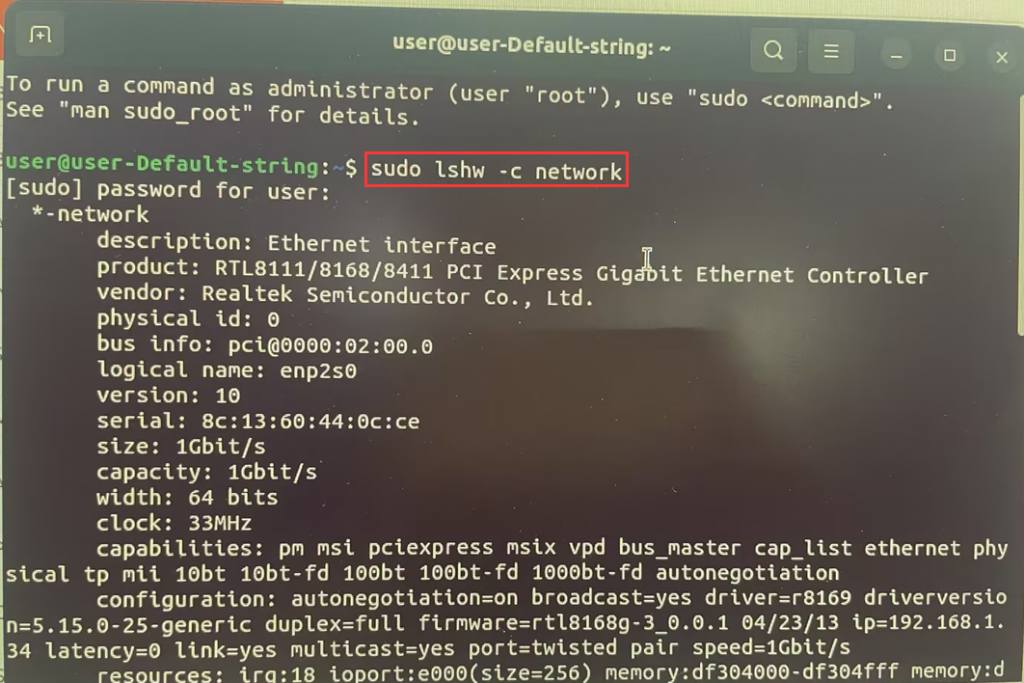
Q: How do you check the network card model in Ubuntu?
A: After entering the desktop, press the Ctrl+Alt+T combination key to open the "Terminal". Enter the following command to check the detailed network card model:
sudo lshw -c network
Enter the password (e.g. 123456) and press Enter.
Note: The password field will not be displayed, after entering the password, press Enter to confirm.
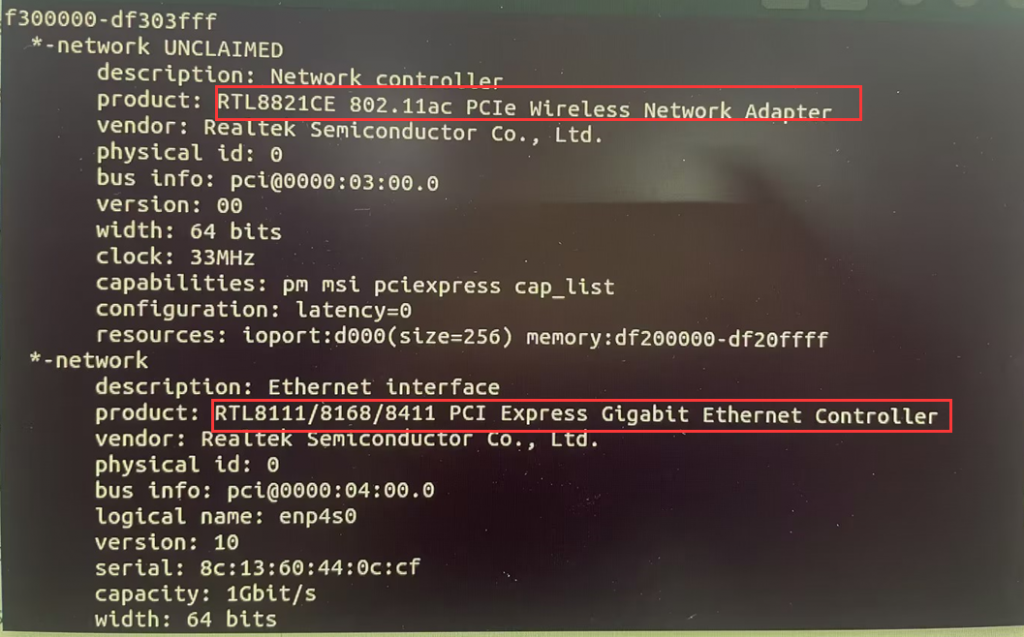
The network card models found in the query are as follows:
(Ethernet card) RTL8111/8168/8411
(Wireless card) RTL8821CE
- Step 1: Prepare the installation environment
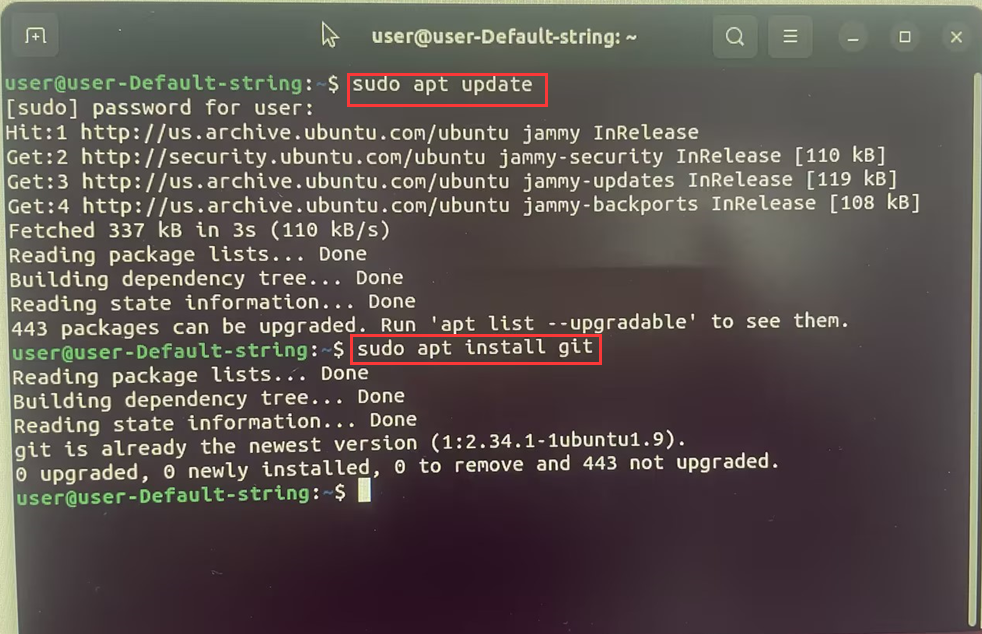
1-1: Connect to a wired network and install git and dkms tools. Open the terminal with Ctrl+Alt+T, and enter the following commands:
Update apt source
sudo apt update
Install required software
sudo apt install git
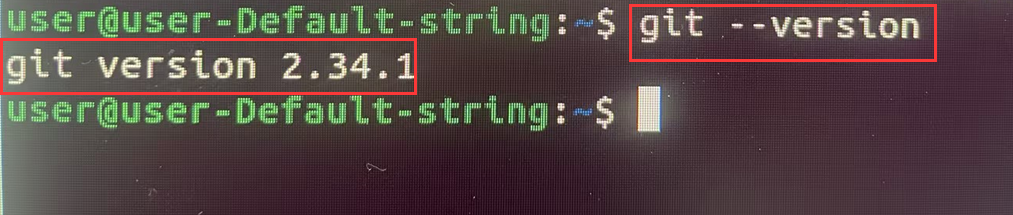
- Installation successful. Please input "git --version" to check the version.
- 1-2、sudo apt install build-essential
"build-essential" is a full suite of compilation environment for C/C++. It can install all the necessary software packages for compiling C/C++.

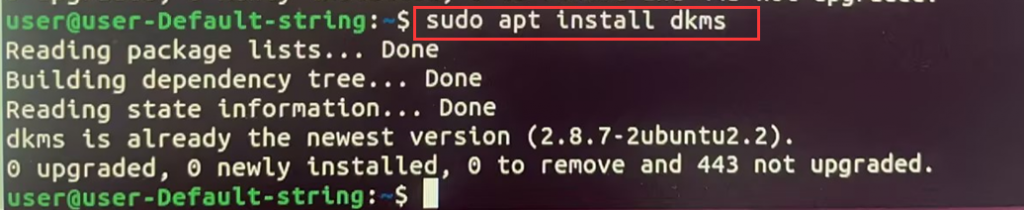
- sudo apt install dkms
DKMS is an abbreviation for Dynamic Kernel Module Support. It is used to maintain Linux device drivers that have not been integrated into the kernel.
2. Downloading and Installing Drivers
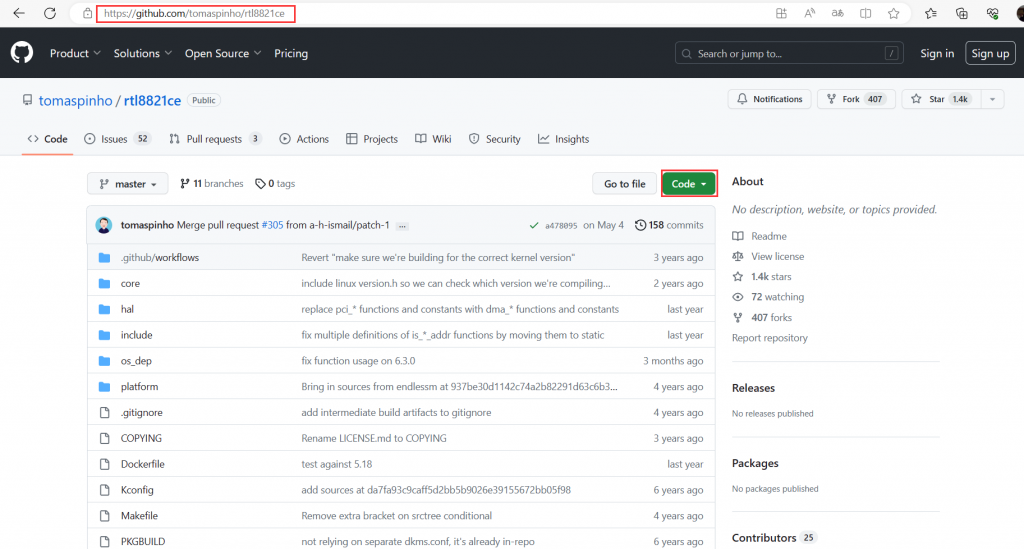
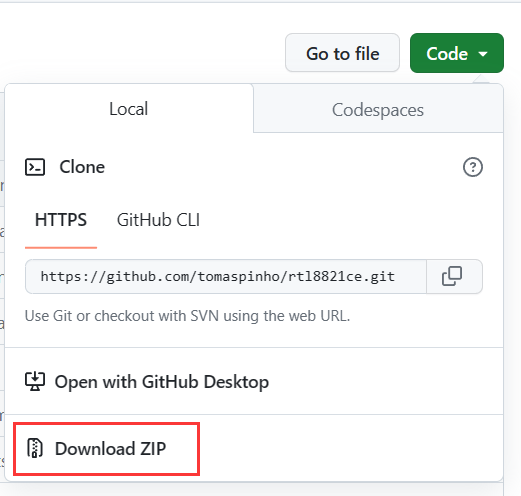
2.1. Download the RTL8821CE driver program and extract it to the Downloads directory. The download link is:
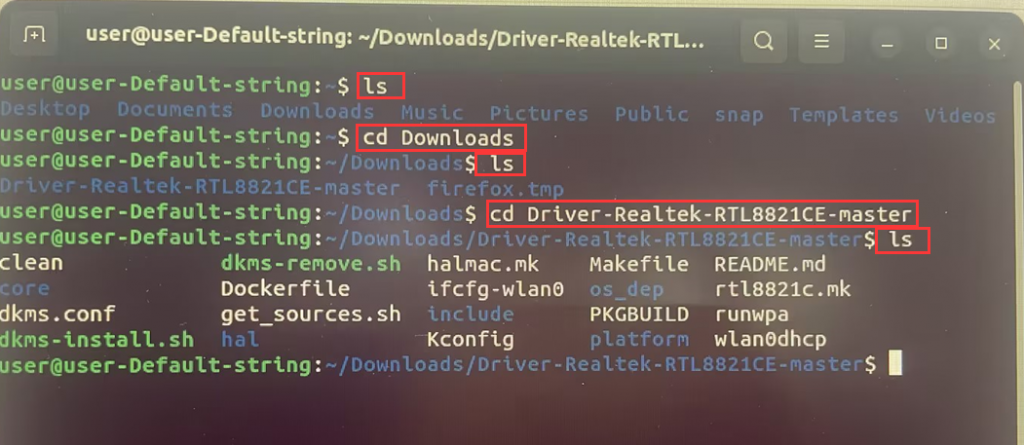
- 2-2. Press Ctrl+Alt+T to open the terminal. Enter the following commands in the terminal to open the directory where the driver file is located:
ls
cd Downloads
cd Drives-Realtek-RTL8821CE-master
ls
Note: "Drives-Realtek-RTL8821CE-master" is the folder name, and your folder name may be different from the one in this article. Please enter the corresponding command based on the actual folder name or rename the file yourself.
- 2-3. Run the following commands in the terminal to compile the file and install the driver:
sudo make
sudo make install
sudo modprobe 8821ce
sudo reboot
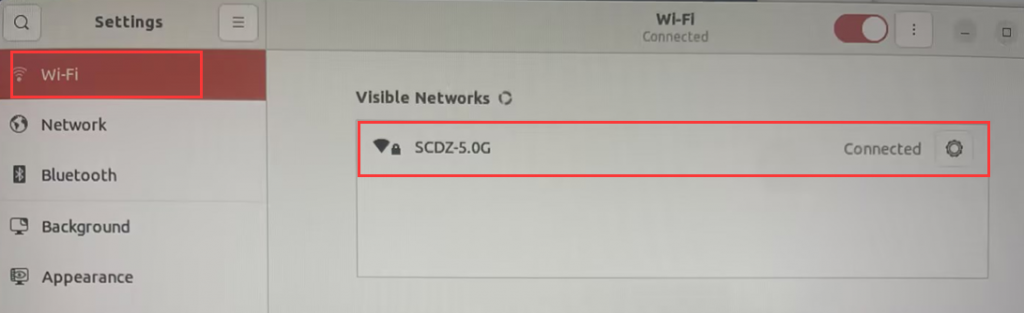
If there are no errors during the installation process, you should be able to see WIFI after restarting your device.
Windows10-11-How to recover the operating system through (Windows RE)?
What should I do if the MINI computer does not turn on after pressing the power button?
