
What should I do if the XP system prompts that the system is not activated and cannot access the desktop?
Under the XP system, if the system prompts that it is not activated and cannot enter the desktop, what should I do?
Overview:
With Microsoft launching updated versions of operating systems, Microsoft's support for the Windows XP operating system has been decreasing. On June 30, 2008, Microsoft stopped selling Windows XP; on April 14, 2009, Microsoft stopped providing technical support for Windows XP, including Microsoft services such as new IE, DirectX, and MSN, which cannot be used on Windows XP; on April 8, 2014, the Windows XP operating system was officially "retired".
Although the XP system has been discontinued for a long time, a small number of users still have it. When the computer undergoes hardware changes under the XP system, it may cause the activation information to be lost. If you do not have a product key, you cannot activate it through the wizard. No matter how you click, you cannot enter the desktop. If you encounter a similar problem, please do not worry. You can try to solve it according to the following steps.
- Step 1:
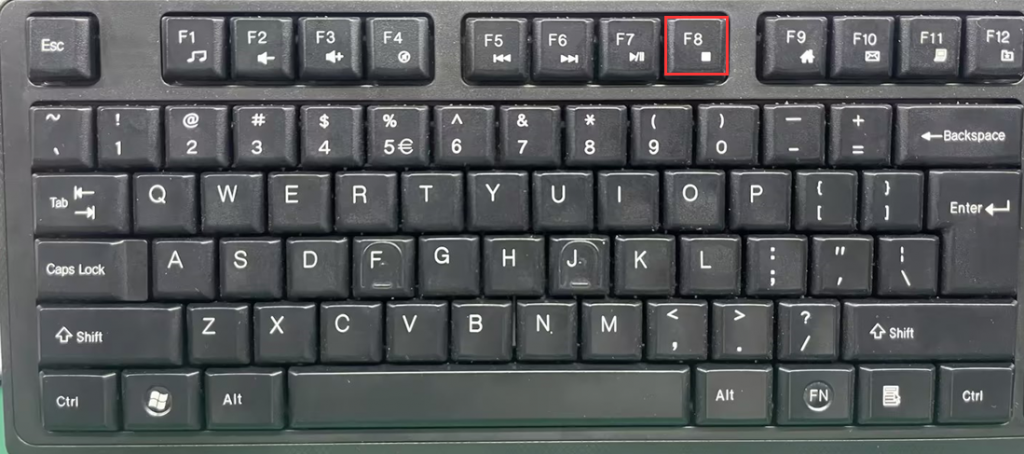
Restart the computer and repeatedly press the F8 key on the keyboard until the boot options appear on the screen.

- Step 2:
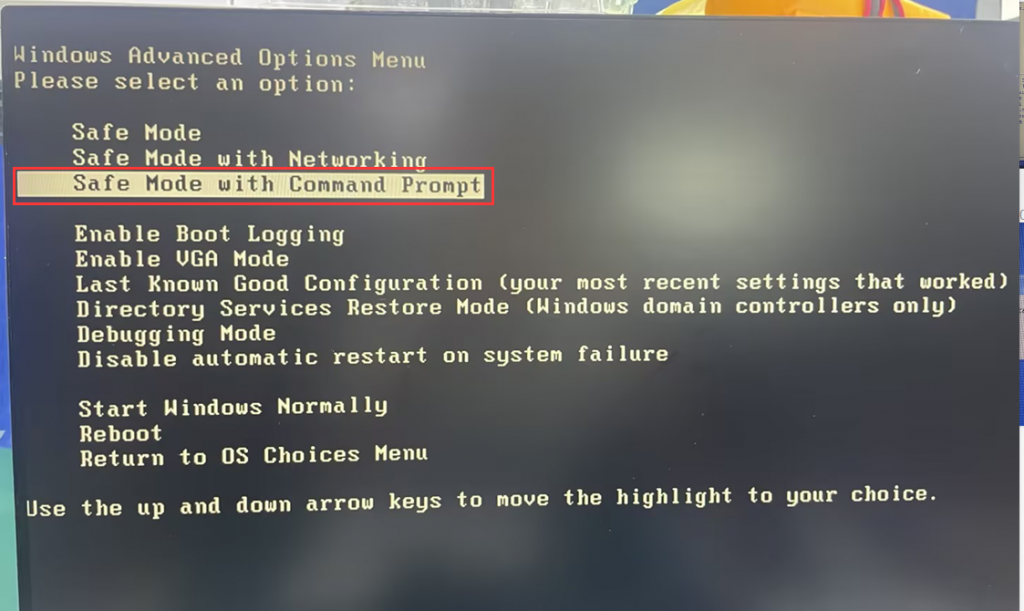
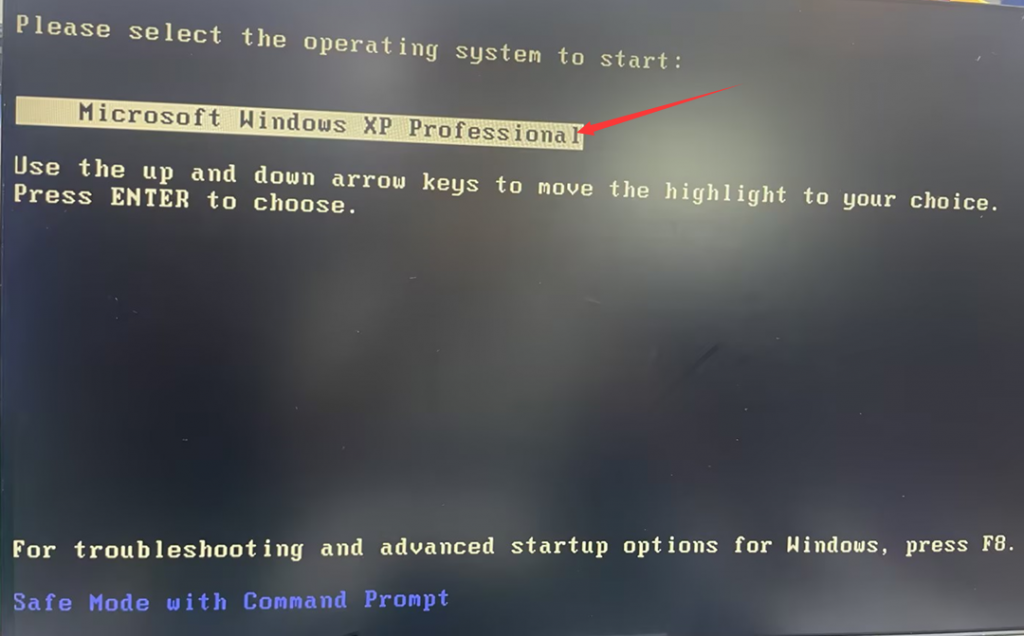
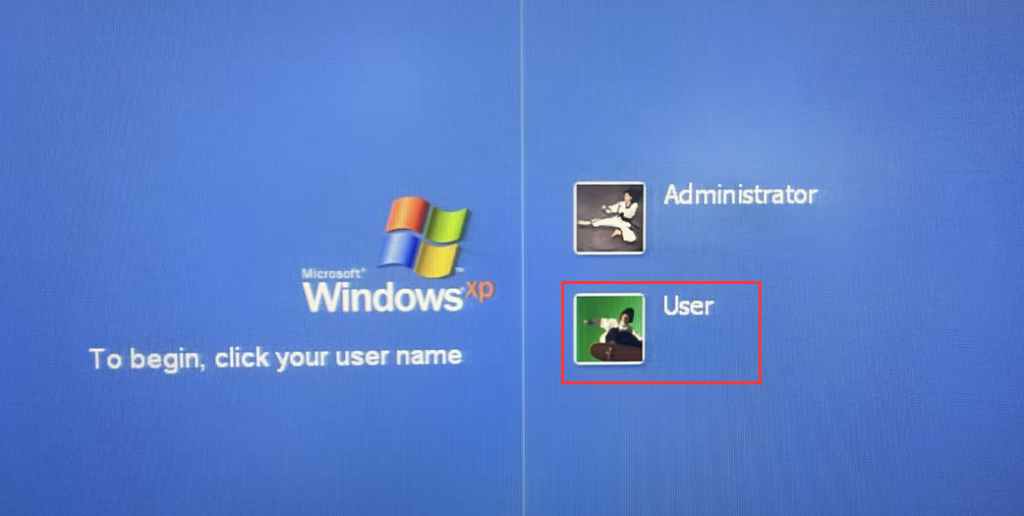
In the startup options, select Safe Mode with Command Prompt > Microsoft Windows XP Professional > Enter the CMD window with your current username.
- Step 3:
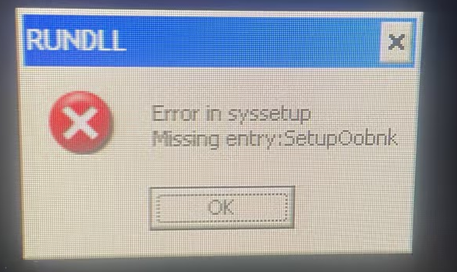
Type "rundll32.exe syssetup,SetupOobeBnk" in the CMD window and press Enter to run it. The success of the operation will not be provided. Then, type "shutdown -r -t 0" to restart the computer. Generally, the desktop can be accessed normally after the restart.


- PS: If an error occurs when entering a command, it may be due to incorrect command input. Please pay attention to capitalization.
What should I do if the MINI computer does not turn on after pressing the power button?
Update BIOS in DOS system
