
[Windows 10/11] How to solve the problem of system restore failure
[Windows10/11] How to solve the problem of failure when performing a system restore?
If you are having trouble performing a system restore, try updating first and make sure the BIOS, Windows suite, and drivers on your computer are up to date. Software updates often contribute to system stability and optimization, so it is recommended that you always make sure that your device is using the latest version.
If the BIOS, Windows suite, and drivers have all been updated to the latest version but the problem persists, continue with the troubleshooting steps below.
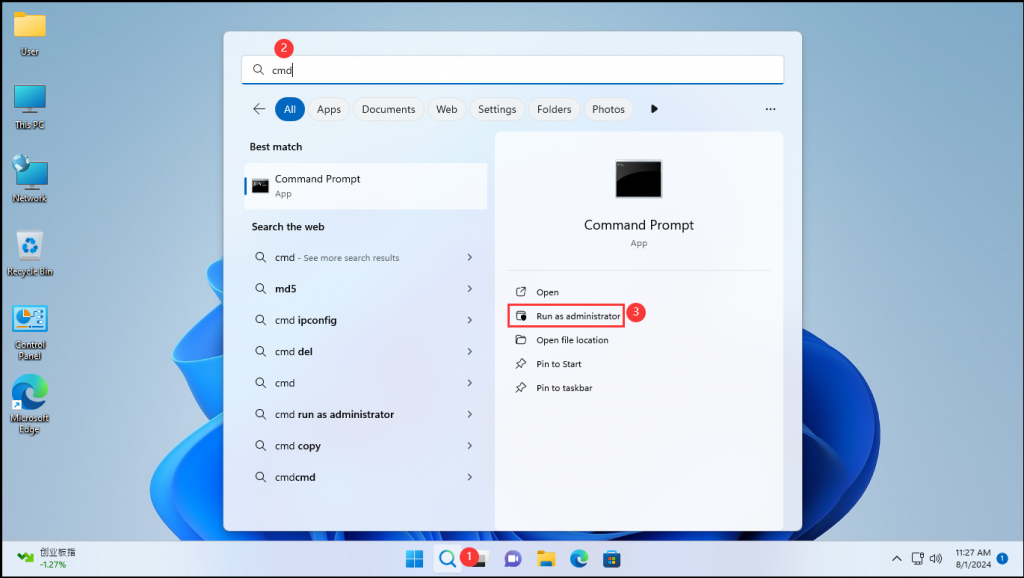
Step 1: Enter [cmd] in the Windows search box and select [Run as administration] to open the command prompt.
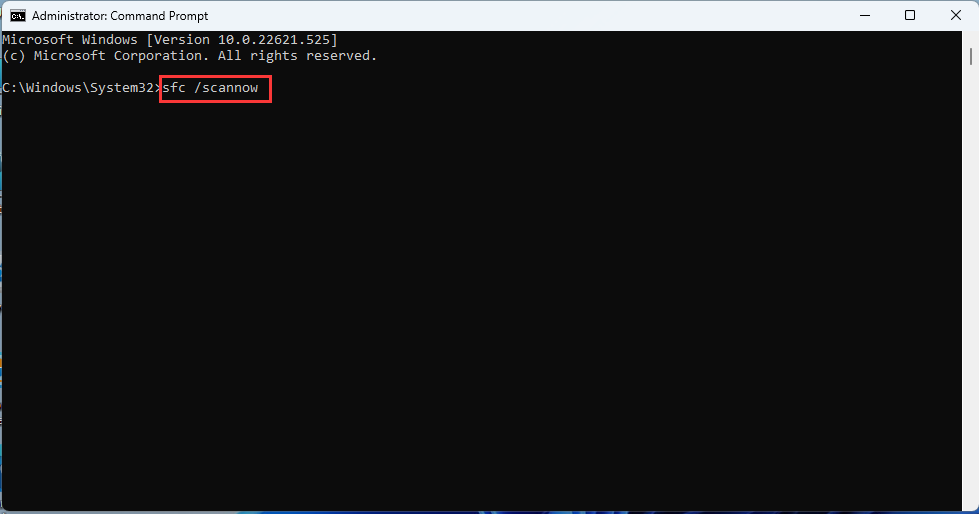
- Step 2: Type [sfc /scannow] in the command prompt character window and press Enter on your keyboard;
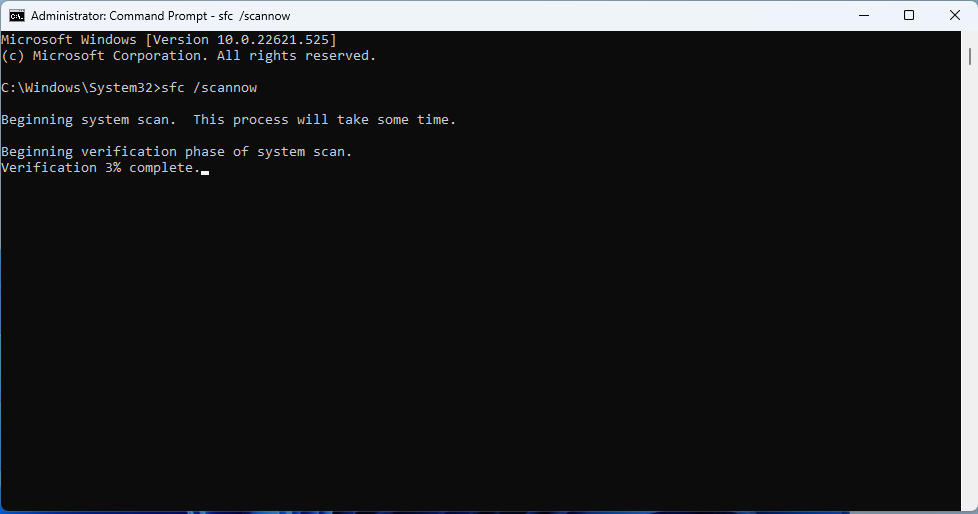
- Step 3: The computer will start a system scan.
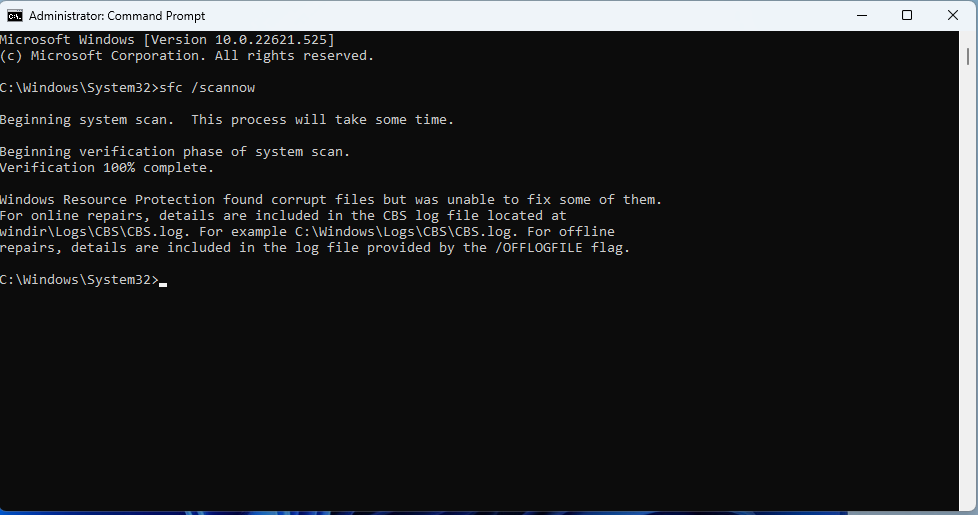
- Step 4: Close the command prompt character window after 100% verification is complete.
- Step 5 Restore the system and check whether the fault is rectified.
[Windows 11]Create a system restore point and restore steps
[K4-4th/8th gen] front USB 3.0 port does not recognize USB peripherals. Product troubleshooting steps
