
M2 (intel-N150/i3-N305) series models power on automatic restart configuration steps
author: VENOEN
2025-07-30
Configuration steps for the M2 (intel-N150/i3-N305) series models to start automatically upon power-on
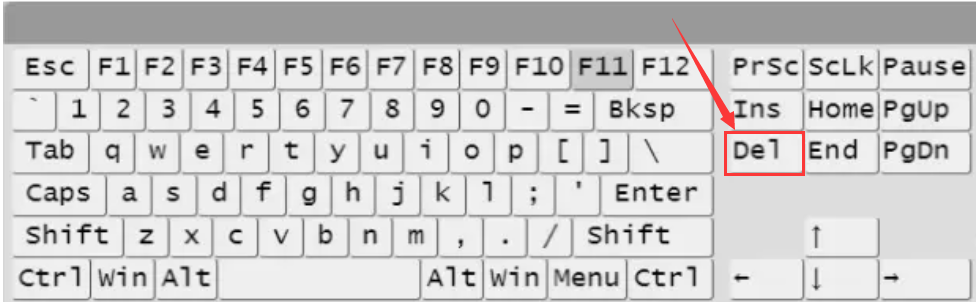
Step 1: After pressing the switch button, quickly strike the Del/F2 keys on the keyboard to enter the BIOS Setup;
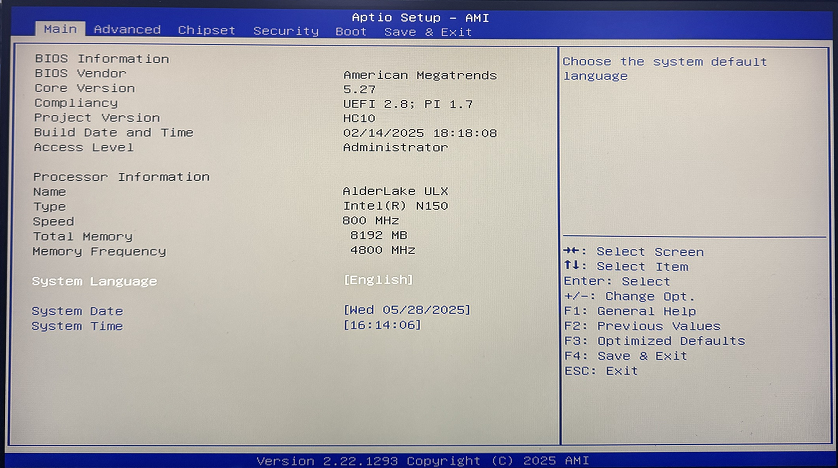
- Step 2
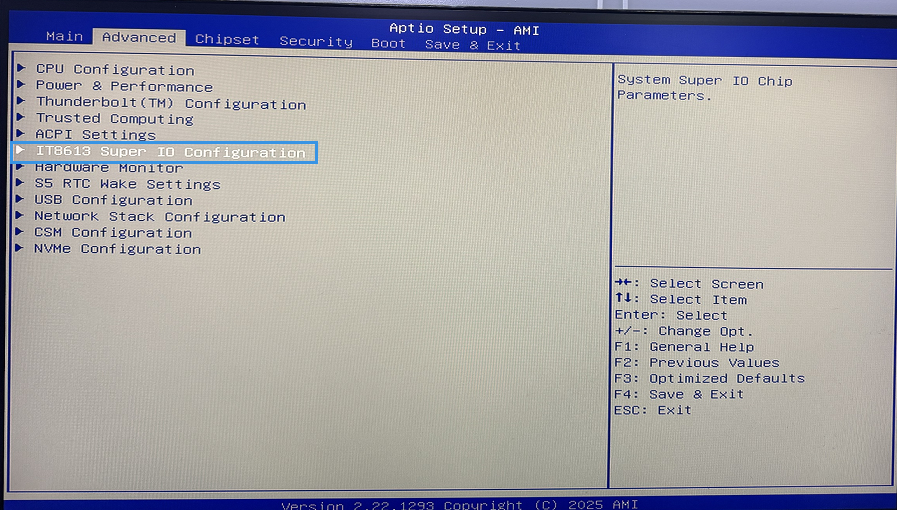
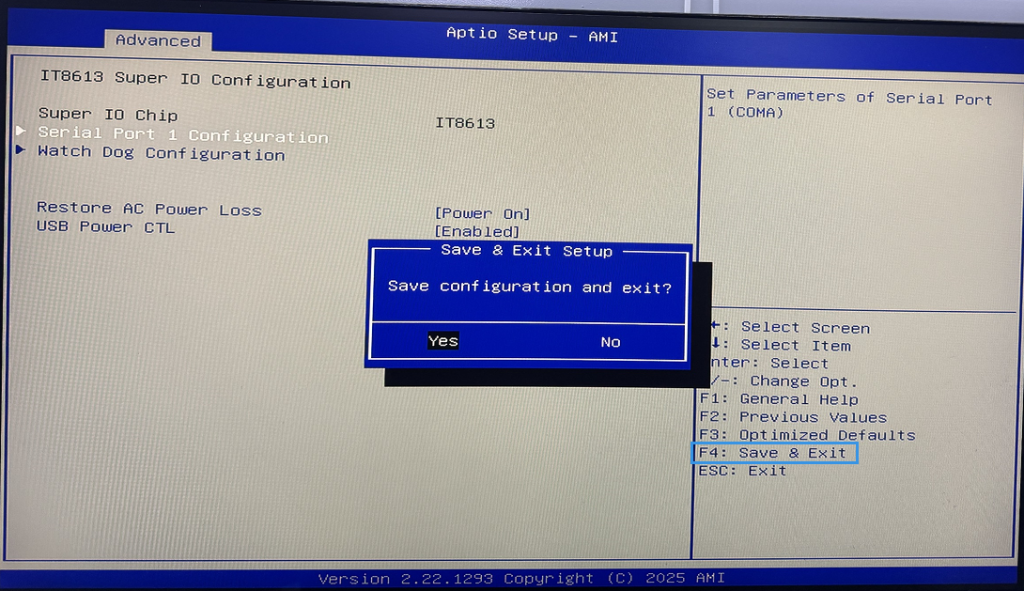
In the BIOS, select Advanced>IT8613 Super IO Configuration>> in sequence to configure the Restore AC Power Loss as Power on;
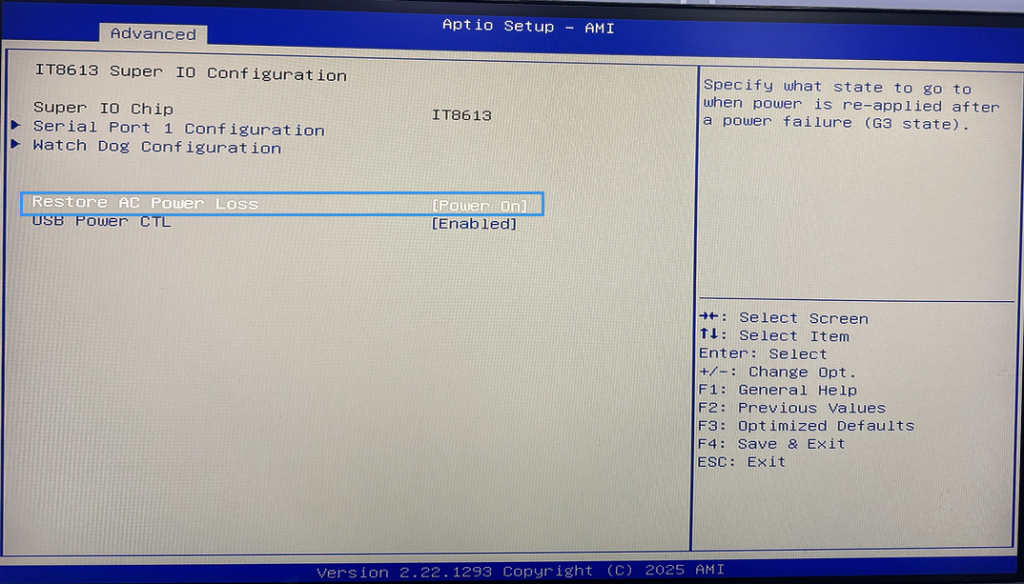
- Step 3: After the configuration is completed, press the F4 key on the keyboard to save and exit.
【H3-J4125-6U】Auto Power On configuration steps
[P09B-N100-4L] How to turn off Auto Power on and query the hard disk in BIOS
